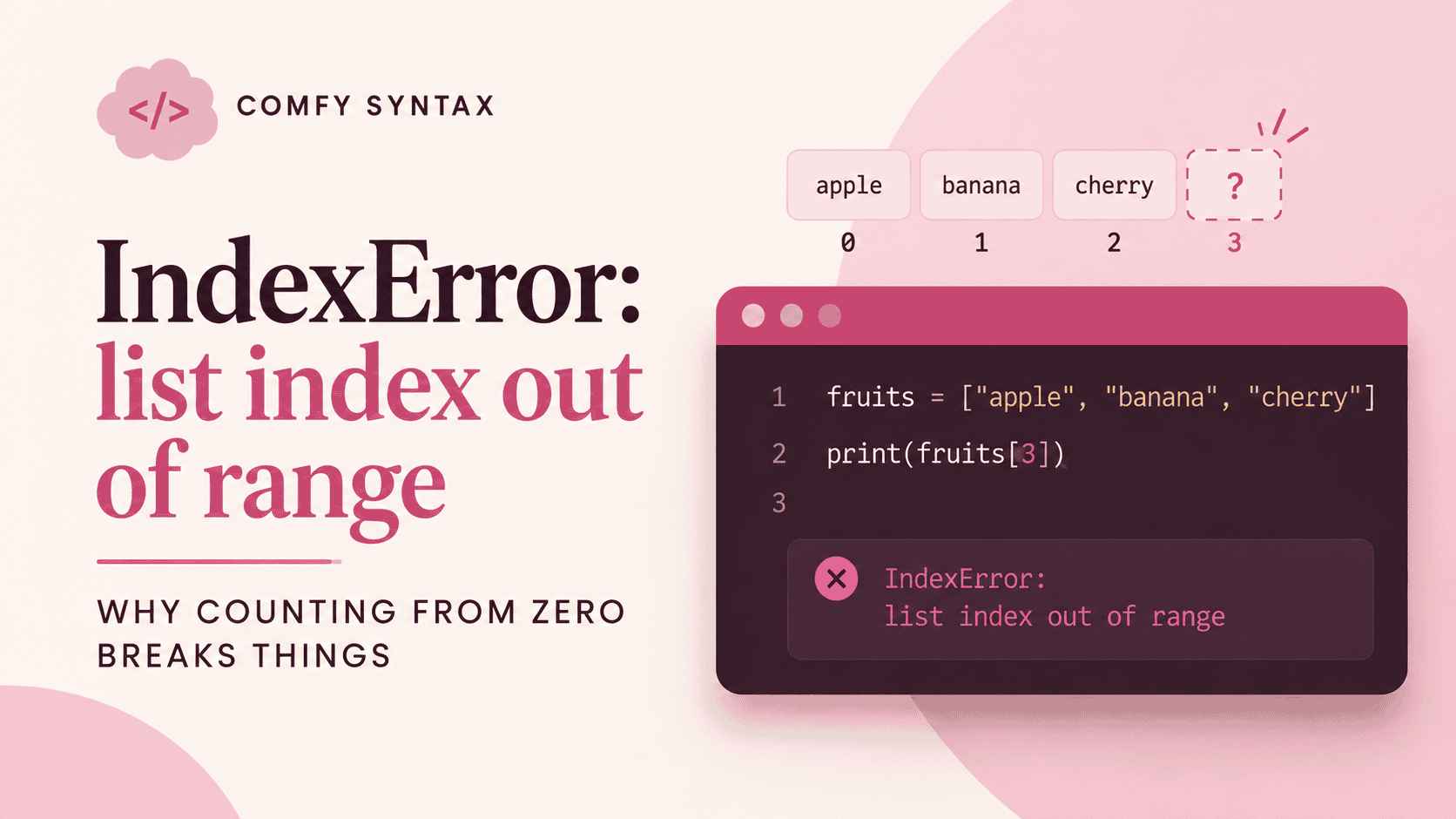
IndexError: list index out of range
Traceback (most recent call last):
  File "shelf.py", line 2, in <module>
    print(shelf[3])
          ~~~~~^^^
IndexError: list index out of rangeWhat Python is actually saying
You asked for position 3. There is no position 3.
Here’s the rule that causes nearly all of these: Python counts from zero.
shelf = ["cleanser", "toner", "serum"]| Position | 0 | 1 | 2 |
|---|---|---|---|
| Item | cleanser | toner | serum |
Three items, and the last one sits at position 2, not 3. So a list of three has valid positions 0, 1 and 2 — and shelf[3] is one step past the end.
The rule: a list of N items has valid positions 0 to N−1.
Cause 1: off by one
shelf[3]          # there is no 3
shelf[2] # "serum" — the last oneOr count backwards, which never goes wrong:
shelf[-1]         # "serum" — the last item, whatever the length
shelf[-2] # "toner" — second from the end[-1] is worth the habit. It’s always the last item, and you never have to know how many there are.
Cause 2: looping one step too far
for i in range(1, len(shelf) + 1):
print(shelf[i]) # IndexError on the last passrange() already stops one before the number you give it, which is exactly what a zero-counted list needs. So the plain version is correct:
for i in range(len(shelf)):
print(shelf[i])Better still, skip the counting entirely:
for product in shelf:
print(product)You cannot get an IndexError this way, because you never name a position.
Cause 3: the list is empty
shelf = []
print(shelf[0]) # IndexError — there's no 0 eitherAn empty list has no valid positions at all. Check before you reach in:
if shelf:
    print(shelf[0])
else:
    print("Nothing on the shelf yet")
if shelf: reads as if there is anything in the shelf. It’s one of the most useful safety checks in Python.
What to check, in order
- How many items does the list actually have? Print
len(shelf) - Highest valid position is that number minus one
- Could the list be empty at this point?
- Can you loop over the items directly instead of by position?
Remember this
Zero-based counting isn’t Python being awkward. It’s consistent everywhere in the language, and [-1] means you rarely have to count at all.
Every error a beginner meets, explained calmly, in the Python Troubleshooting Handbook.