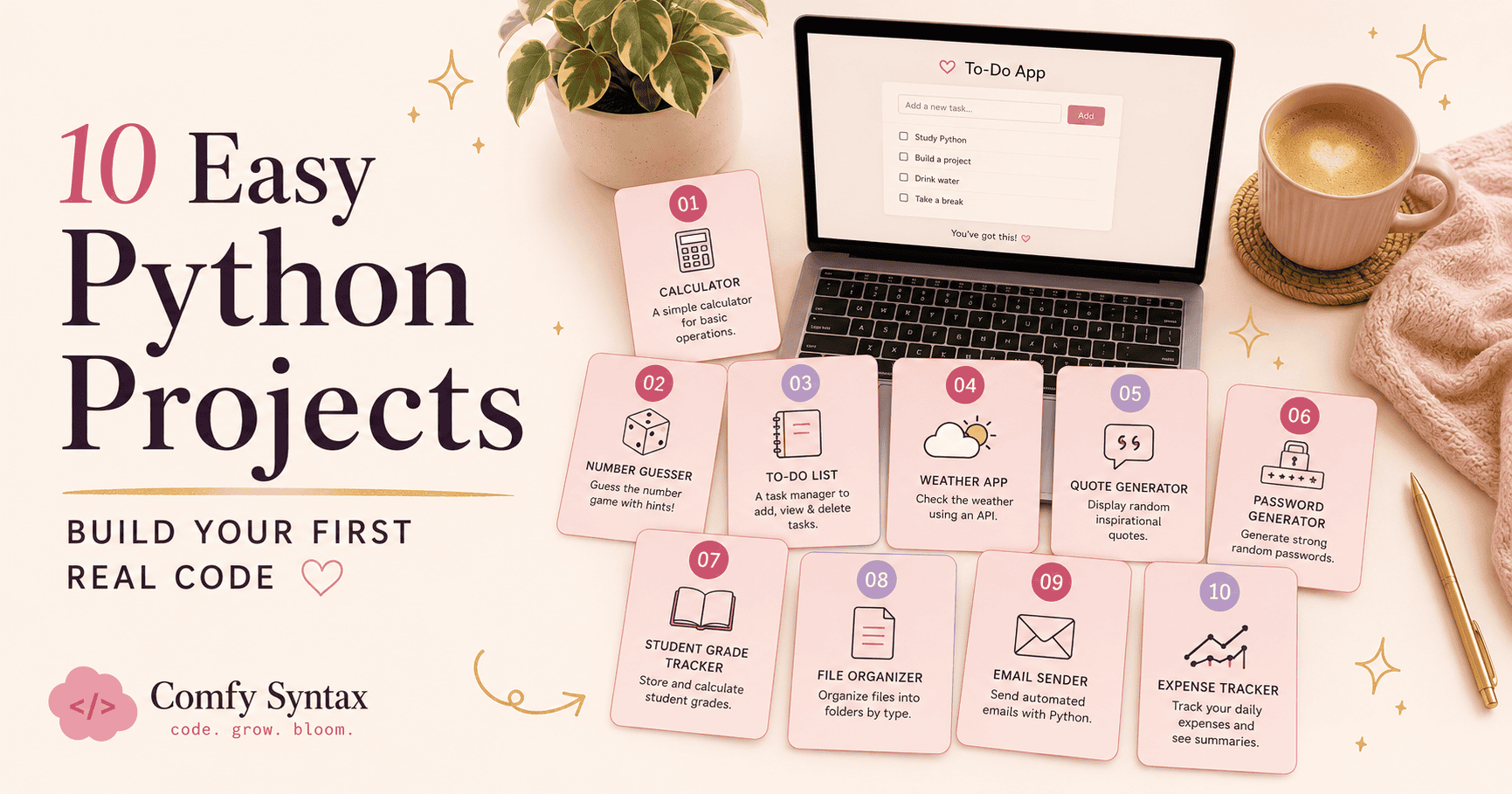
10 Easy Python Projects for Complete Beginners (Step by Step)
Here’s the uncomfortable truth about learning to code: you can watch a hundred tutorials and still freeze the moment you open a blank file. Watching someone else code teaches you about code. Building something — even something tiny and slightly wonky — teaches you to code.
These ten projects are chosen for one reason: a complete beginner can actually finish them. Each one uses skills from your first weeks of Python, takes an evening or less, and leaves you with something that works.
| 🐍 Why this matters: Finished projects do two magical things: they prove to your brain that you CAN do this, and they slowly become a portfolio. Two or three small finished projects beat fifty half-watched tutorials — every single time. |
How to Use This List
- Pick ONE project. Not three. One.
- Define “done” before you start — e.g. “the calculator asks for a bill amount and prints the tip.” Done is a decision, not a feeling.
- Expect errors. They’re part of building, not a sign to stop. (Our SyntaxError guide has you covered → SyntaxError: Invalid Syntax — What It Actually Means (And How to Fix It Calmly)
- Finish ugly. A working, ugly project teaches more than a beautiful, abandoned one.
1. Greeting Card Generator
Ask for a name and a occasion, then print a decorated message. Skills: input(), variables, f-strings, print(). The perfect first project — you’ll finish it in under an hour and it immediately feels personal.
💻 The heart of it:
name = input("Who is this card for? ")
print(f"🌸 Dear {name}, you are doing amazing. 🌸")2. Tip & Bill Splitter
Enter the bill in rand, choose a tip percentage, split between friends. Skills: numbers, arithmetic, round(). Genuinely useful the next time you’re out for breakfast in Joburg.
3. Mad Libs Story Maker
Ask for a noun, a verb, a place — then drop them into a silly story template. Skills: strings and f-strings. This one is pure joy and teaches string formatting better than any lecture.
4. Number Guessing Game
The computer picks a random number between 1 and 50; the player guesses until they get it, with “higher!” and “lower!” hints. Skills: the random module, while loops, if/elif/else. Your first taste of game logic.
5. To-Do List (In the Terminal)
Add tasks, view tasks, tick them off. Skills: lists, append(), remove(), loops, menus. This is the project where lists finally click — because you’re using one for something real.
6. Password Generator
Ask how long the password should be, then generate a random mix of letters, numbers and symbols. Skills: the random module, strings, loops. Bonus: you’ll actually use it.
7. Quiz Game
Five questions, keep score, show a result at the end (“4/5 — almost perfect!”). Skills: dictionaries or paired lists, conditionals, counters. Make the quiz about your favourite series and it stops feeling like homework.
8. Unit Converter
Kilometres to miles, kilograms to pounds, Celsius to Fahrenheit — a little menu that converts values. Skills: functions. This is the ideal project for writing your first def, because each conversion is naturally its own function.
9. Countdown Timer
Enter a number of seconds; the program counts down and celebrates at zero. Skills: while loops, the time module (time.sleep). Watching your terminal count down feels disproportionately magical.
10. Mood Journal Logger
Each run asks “how are you feeling today?” and saves the answer with the date to a text file. Skills: file writing, dates. Your first program that remembers — data that survives after the program closes is a genuine milestone.
What To Do When You Get Stuck
You will get stuck. That’s the curriculum, not a detour. Read the error message (line number first), Google the exact error text, and take a ten-minute break before deciding anything is impossible. Stuck for a full evening? Put that project down and build a different one — momentum matters more than any single project.
| 📖 Want all ten built WITH you? The Python Projects Handbook walks you through ten real beginner projects step by step — every line explained gently, checkpoints along the way, plus 20 more project ideas for when you’re hungry for the next one. Python Projects Handbook→ |
Key Takeaways
- Building beats watching — one finished project teaches more than ten tutorials.
- Pick one project and define “done” before you start.
- Each project on this list uses first-month Python skills: variables, loops, conditionals, lists, functions, files.
- Errors while building are the lesson, not the obstacle.
- Finished-and-ugly beats perfect-and-abandoned
Common Beginner Mistakes
- Copy-pasting code without typing it out — your fingers are part of how syntax sticks.
- Starting three projects at once and finishing none.
- Choosing a project that’s too big (“I’ll build an app like Instagram”) — start with the greeting card, seriously.
- Treating “I got stuck” as “I can’t code” — every developer you admire got stuck this week too.
Next Steps
- Pick project #1 or #2 and build it tonight. Set a timer for 45 minutes and just start.
- When an error appears, read: SyntaxError: Invalid Syntax — What It Actually Means. → SyntaxError: Invalid Syntax — What It Actually Means (And How to Fix It Calmly)
- Ready for guided, step-by-step builds with every line explained? The Python Projects Handbook was made for exactly this.
A year from now, you won’t remember which tutorials you watched. You WILL remember the first program you built yourself — the silly greeting card, the tip splitter you used at breakfast. 🌸 Start small, finish something, and let the confidence compound. The Projects Handbook is there when you want a gentle hand on the next ten.