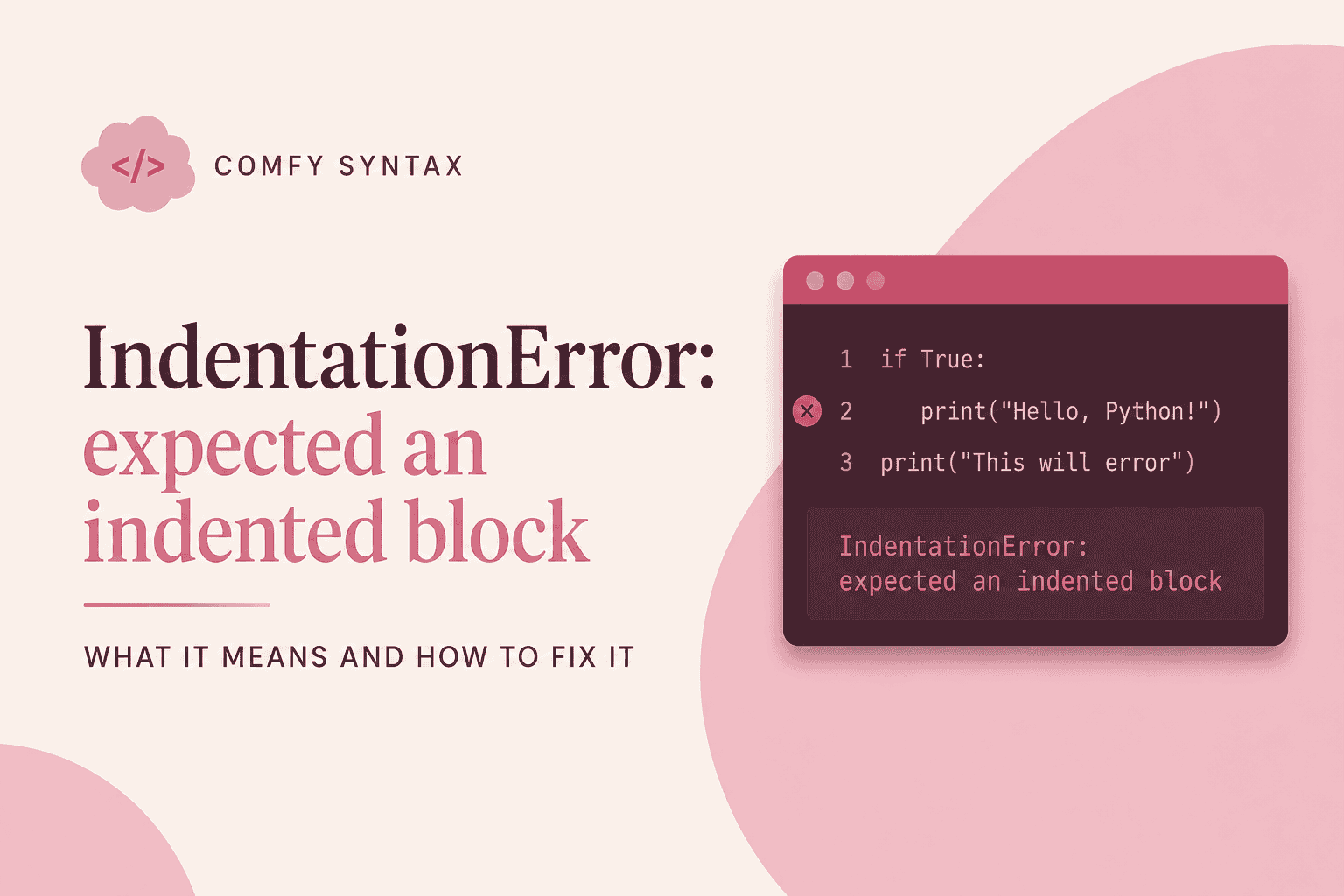
IndentationError: expected an indented block
You ran your file and Python stopped before it did anything:
  File "shelf.py", line 2
    print("Hi")
    ^
IndentationError: expected an indented block after function definition on line 1Nothing ran. Not one line. That feels like a bigger failure than it is.
What Python is actually saying
Most languages use curly brackets to show which lines belong together. Python uses space. The indent isn’t decoration — it’s how Python knows where a block starts and stops.
So when you write this:
def greet():
print("Hi")Python reads: here comes a function, and… nothing. The next line is back at the left margin, so it’s outside the function. A function with nothing in it isn’t allowed, so Python stops and tells you the block it expected never arrived.
The fix
Indent the line that belongs inside:
def greet():
print("Hi")Four spaces. That’s it.
The other version of this error
The same error appears with a different message when the indentation is inconsistent:
IndentationError: unexpected indentThat one means a line is indented when nothing above it opened a block:
name = "Maya"
print(name) # indented for no reasonNothing on line 1 opens a block, so line 2’s indent has nowhere to belong.
The cause almost nobody mentions
Tabs and spaces look identical on screen and are different characters underneath. Copy a snippet from Stack Overflow that used tabs, paste it into a file that uses spaces, and your code looks perfectly aligned while Python sees two different things.
Fix it once, permanently: in VS Code, click Spaces in the bottom bar, set it to 4, then run Convert Indentation to Spaces. You will never think about it again.
What to check, in order
- Does every line after a
:sit further right than the line above it? - Is every level exactly four spaces?
- Did you paste this code from somewhere else?
Remember this
A colon opens a block. The indent is what fills it. Consistent four-space indentation, every file, no exceptions.
This is one of thirty errors covered in the Python Troubleshooting Handbook — each with the broken code, the fix, and why the fix works.