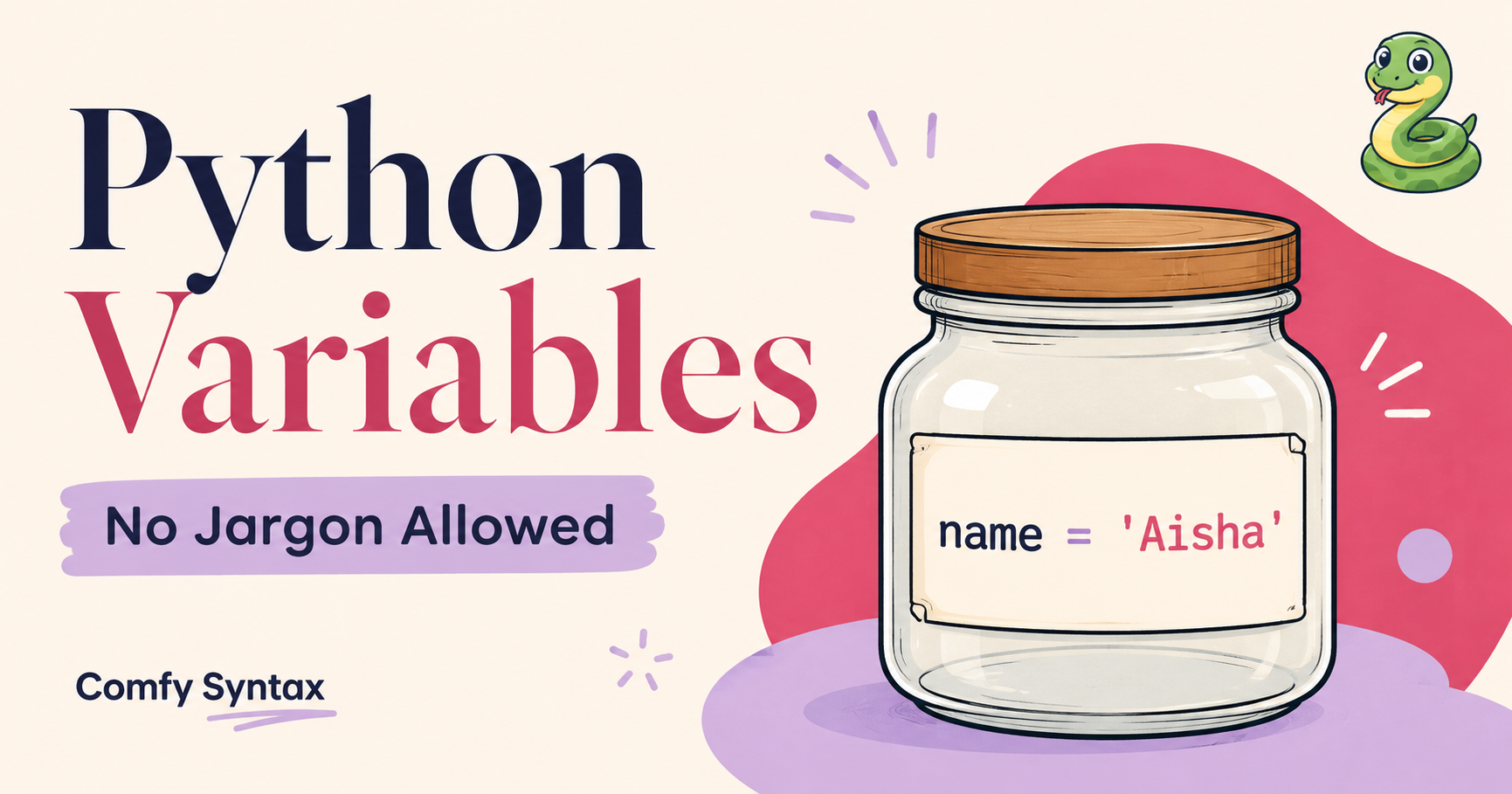
Python Variables Explained Simply (No Jargon Allowed)
Wait — What Even IS a Variable?
If you’ve ever Googled “what is a Python variable” and ended up more confused than when you started, this one’s for you. Python variables are one of the very first things you’ll encounter as a beginner coder — and honestly? They’re not scary at all.
By the end of this article you’ll know exactly what a Python variable is, how to create one, and why they make your code so much more powerful. No computer science degree required.
| 🐍 Why this matters: Variables are the foundation of every Python program you’ll ever write. Get this right and Phase 1 of your coding journey feels way less overwhelming. |
Think of a Variable Like a Labelled Jar
Imagine you’re in your kitchen and you have a row of glass jars. Each jar has a sticky label on it — one says “sugar”, one says “flour”, one says “salt”. You know exactly what’s inside each jar just by reading the label, right?
That’s exactly what a Python variable is. It’s a labelled container that stores information.
In Python, you create a variable like this:
name = "Aisha"
age = 25
city = "Johannesburg"Here, name, age, and city are your labels (the jars). “Aisha”, 25, and “Johannesburg” are what’s stored inside.
Why bother with variables?
Because instead of typing “Aisha” every single time you need it in your code, you just type name. If Aisha ever changes her name or you’re building an app for different users, you only need to change the value in one place.
The Three Things Every Variable Needs
- A name — this is your label. Keep it clear and descriptive (name not n).
- An equals sign — this is how you “put something into the jar”.
- A value — this is what you’re storing: a word, a number, True/False, etc.
Simple formula:
| 📌 Remember: variable_name = value |
 #Example of a variable

favourite_colour = "lavender"Types of Values You Can Store
Python variables can hold different types of information — called data types. Here are the main ones you’ll use every day:
Text (called a “string”)
Text values are placed inside quotation marks.
# Example of a string
# Text values are stored in quotation marks
greeting = "Hello, welcome to Comfy Syntax!"Numbers (Integers)
Integers are whole numbers without decimal places.
# Example of numbers
# Integers are whole numbers
age = 25
score = 100
years_experience = 2
Decimal Numbers (Floats)
Floats are numbers that contain decimals.
# Example of numbers
# Floats contain decimal places
price = 19.99
temperature = 23.5
discount = 10.5True or False (called a “boolean”)
Booleans are used when something can only be true or false.
# Booleans can only be True or False
is_student = True
has_completed_course = FalseDon’t worry about memorizing all the types right now. You’ll start recognizing them naturally as you practice.
Naming Your Variables — The Do’s and Don’ts
Python has a few rules for variable names. Think of them like writing rules for your jar labels:
Do this :
- Use lowercase letters and underscores: first_name, total_price
- Make the name descriptive: student_age not x
- Start with a letter or underscore — never a number
Avoid this:
- Spaces in names: first name (Python will break — use first_name instead)
- Starting with a number: 1name is invalid
- Using Python’s reserved words like print, list, or for as variable names
Updating a Variable
Here’s something satisfying — you can change what’s in a variable at any time. Just reassign it:
 # Example of updating a variable

 mood = "tired"
 print(mood)

 # Output:
 tired


 mood = "motivated"
 print(mood)

 # Output:
motivatedThe jar is the same — you just swapped what’s inside. 🫙
| 📖 Want structured practice? The Python Decoded guide walks you through variable exercises with relevant examples so it actually feels like yours. |
Key Takeaways
- A variable is a labelled container that stores information.
- You create one with: variable_name = value
- Variable names should be lowercase, descriptive, and use underscores instead of spaces.
- You can update a variable at any time by reassigning it.
- Different types of values (text, numbers, True/False) are stored differently — and that’s okay.
Common Beginner Mistakes with Variables
1. Forgetting quotes around text — name = Aisha will cause an error. It should be name = “Aisha”.
# Incorrect
name = "Aisha"

# Correct
name = "Aisha"2. Using spaces in variable names — Python won’t understand my name = “Aisha”. Use my_name instead.
# Incorrect
my name = "Aisha"

# Correct
my_name = "Aisha"3. Confusing = with ==. A single = stores a value. A double == compares two values. We’ll cover this in loops!
# Incorrect
name == "Aisha"

# Correct
name = "Aisha"4. Using vague names like x or data1 — your future self will thank you for writing first_name instead.
# Incorrect
x = "Aisha"

# Correct
first_name = "Aisha"4. Starting variables with numbers— Variable names cannot begin with numbers.
# Incorrect
2name = "Sanna"

# Correct
name2 = "Sanna"Next Steps
- Open your Python editor and create five variables about yourself: your name, city, age, favourite food, and coding goal.
- Run the code. Print each one using print().
- When you’re ready to go deeper, grab the Python Decoded study guide — Chapter 1 covers variables, data types, and your first real project.
Your First Real Variable Exercise
Try this in your Python editor (or even in a free online compiler like repl.it):
# Try it:

# Coffee shop order
customer_name = "Emma"
drink = "Latte"
price = 45

print(customer_name)
print(drink)
print(price)These variables help the program remember information about the customer’s order.
Without variables, managing this information would be much harder.
Run it. Change the values. See what happens. That’s how you learn — by doing, not just reading.
You’ve just taken your first step into Python — and look at you go. 🌸 Variables are the building blocks of every programme you’ll ever write, and now you understand them better than most people who’ve been “meaning to learn to code” for years. The next step? Put it into practice with a structured guide that holds your hand through every phase.