If you’ve just started learning Python, you’ve probably heard the word variable everywhere.
Variables are one of the first things every programmer learns, but many tutorials explain them using complicated technical terms.
The good news? Variables are actually very simple.
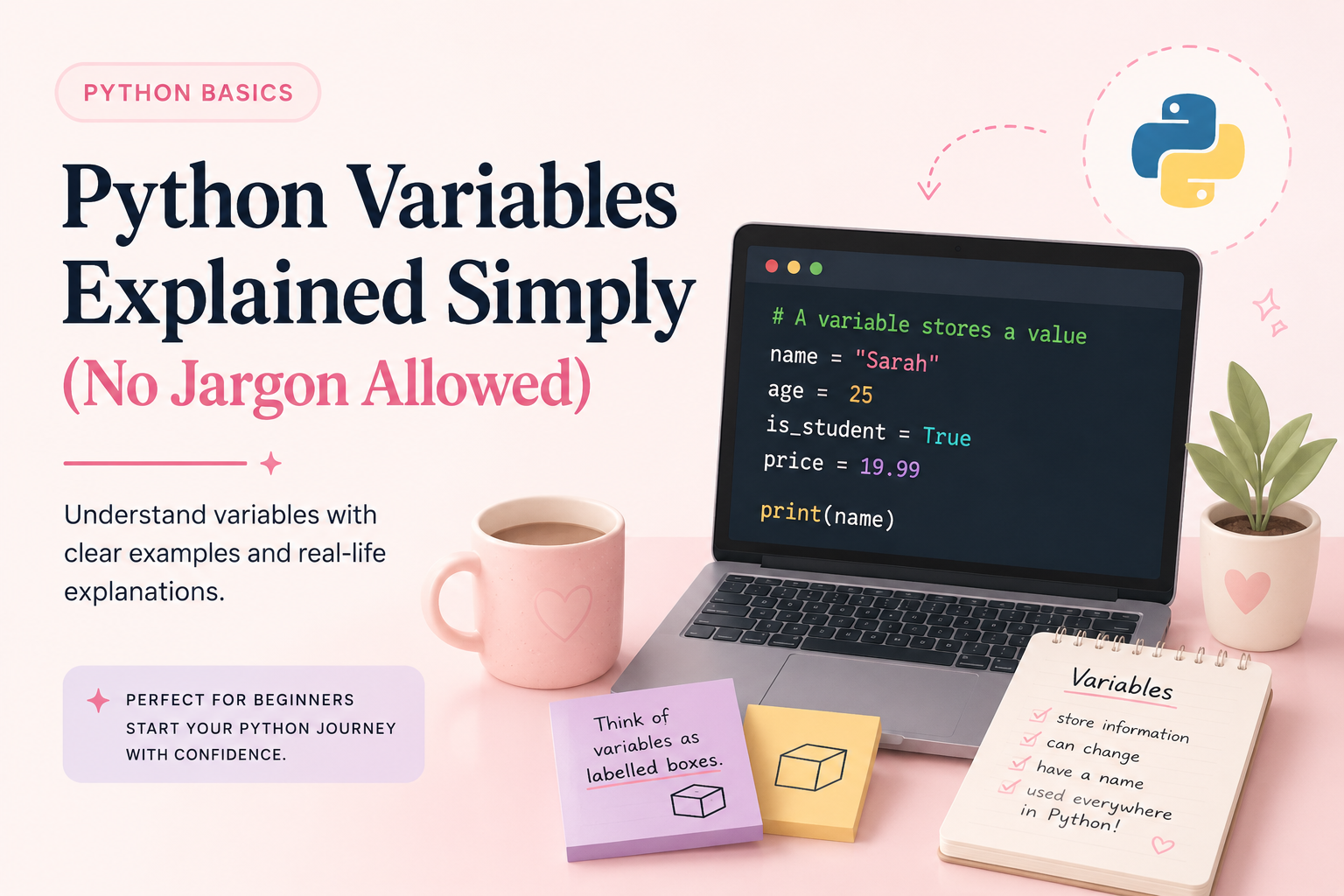
Think of a variable as a labelled storage box where you keep information that your program needs to remember.
By the end of this article, you’ll understand variables without feeling overwhelmed.
🌸 Beginner Tip
Don’t worry if variables feel confusing at first. Every Python developer starts here. Focus on understanding the idea before trying to memorize the syntax.
What is a variable?
Imagine you’re packing for a trip.
You place your clothes in a suitcase and attach a label saying: Clothes
Whenever you need your clothes, you look for that label.
Variables work the same way.
A variable is simply a name that stores a value.
Example:
# A variable stores a value
name = "Sarah"
print(name)Here:
nameis the variable"Sarah"is the value stored inside it
Python now remembers that whenever you use name, you’re referring to “Sarah”.
Why Do We Need Variables?
Without variables, programs couldn’t remember information.
Imagine creating a login system that forgets your username every second.
Variables allow programs to store:
- Names
- Ages
- Prices
- Scores
- Messages
- Calculations
Example:
# Store information about a user
name = "Sarah"
age = 25
city = "Johannesburg"
print(name)
print(age)Python now remembers that age is 25.
Types of Values Variables Can Store
Text (Strings)
# Text values are stored in quotation marks
name = "Sarah"
city = "Johannesburg"
favourite_language = "Python"Text values are placed inside quotation marks.
Whole Numbers (Integers)
# Integers are whole numbers
age = 25
score = 100
years_experience = 2Integers are whole numbers without decimal places.
Decimal Numbers (Floats)
# Floats contain decimal places
price = 19.99
temperature = 23.5
discount = 10.5Floats are numbers that contain decimals.
True or False Values (Booleans)
# Booleans can only be True or False
is_student = True
has_completed_course = FalseBooleans are used when something can only be true or false.
How to Display a Variable
You can use the print() function to see what’s stored inside a variable.
Example:
# Print a variable's value
name = "Sarah"
print(name)output:
SarahPython looks inside the variable and displays the value.
Variables Can Change
One reason they’re called variables is because their values can change.
Example:
# Variables can be updated
score = 10
score = 20
print(score)Python replaces the old value with the new one.
The value of score is now 20.
Common Beginner Mistakes
Forgetting Quotation Marks
Incorrect:
name = SarahCorrect:
name = "Sarah"Without quotation marks, Python thinks Sarah is another variable.
Using Spaces in Variable Names
Incorrect:
first name = "Sarah"Correct:
first_name = "Sarah"Use underscores instead of spaces.
Starting Variable Names with Numbers
Incorrect:
2name = "Sarah"Correct:
name2 = "Sarah"Variable names cannot begin with numbers.
A Real-Life Example
Let’s imagine you’re building a simple coffee shop app.
# Coffee shop order
customer_name = "Emma"
drink = "Latte"
price = 45
print(customer_name)
print(drink)
print(price)These variables help the program remember information about the customer’s order.
Without variables, managing this information would be much harder.
Practice Exercise
Create the following variables:
# Create your own variables

name = "Your Name"
age = 25
favourite_language = "Python"Then print each one using:
print(name)
print(age)
print(favourite_language)Small exercises like this help you build confidence quickly.
What’s Next?
Now that you understand variables, you’re ready to learn about:
- Data types
- User input
- Conditional statements
- Functions
Read next: 5 Study Habits That Will Actually Help You Learn to Code
Key Takeaways
- Variables store information
- Variables have names and values
- Variables can store text, numbers, and true/false values
- Variables help programs remember information
- Variables are used in almost every Python program
Final Thoughts
Every Python developer starts by learning variables.
Don’t worry if coding still feels unfamiliar right now. The goal isn’t to understand everything at once—it’s to take one small step at a time.
Master variables first, and you’ll have a strong foundation for everything else you’ll learn in Python.
Recommended Next Step
Ready to go beyond the basics?
If you’re looking for a beginner-friendly resource that explains Python step by step, Python Decoded provides practical examples and exercises to help you build confidence.
Inside you’ll find beginner-friendly explanations, practical examples, and guided learning resources designed to help you build confidence faster.
👉 Explore Python Decoded and continue your Python journey today.